pyvista.DataSetFilters.clip#
- DataSetFilters.clip(normal='x', origin=None, invert=True, value=0.0, inplace=False, return_clipped=False, progress_bar=False, crinkle=False)[source]#
Clip a dataset by a plane by specifying the origin and normal.
If no parameters are given the clip will occur in the center of that dataset.
- Parameters:
- normal
tuple(float)orstr, default: ‘x’ Length 3 tuple for the normal vector direction. Can also be specified as a string conventional direction such as
'x'for(1, 0, 0)or'-x'for(-1, 0, 0), etc.- originsequence[
float],optional The center
(x, y, z)coordinate of the plane on which the clip occurs. The default is the center of the dataset.- invertbool, default:
True Flag on whether to flip/invert the clip.
- value
float, default: 0.0 Set the clipping value along the normal direction.
- inplacebool, default:
False Updates mesh in-place.
- return_clippedbool, default:
False Return both unclipped and clipped parts of the dataset.
- progress_barbool, default:
False Display a progress bar to indicate progress.
- crinklebool, default:
False Crinkle the clip by extracting the entire cells along the clip. This adds the
"cell_ids"array to thecell_dataattribute that tracks the original cell IDs of the original dataset.
- normal
- Returns:
pyvista.PolyDataortuple[pyvista.PolyData]Clipped mesh when
return_clipped=False, otherwise a tuple containing the unclipped and clipped datasets.
Examples
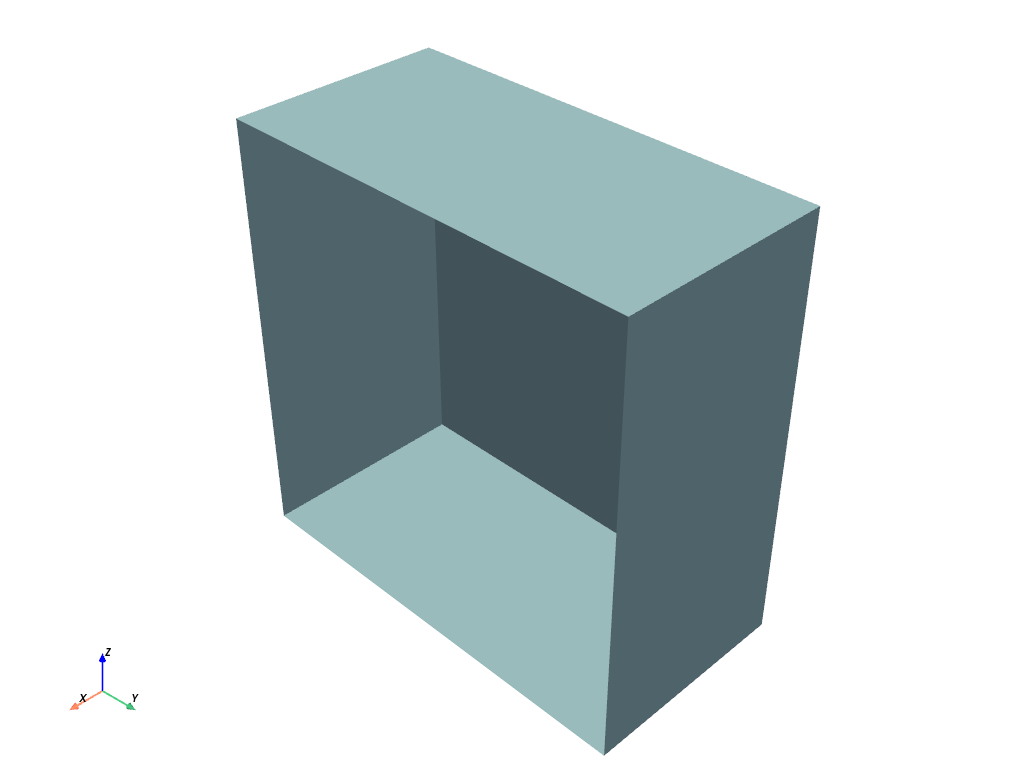
Clip a cube along the +X direction.
triangulateis used as the cube is initially composed of quadrilateral faces and subdivide only works on triangles.>>> import pyvista as pv >>> cube = pv.Cube().triangulate().subdivide(3) >>> clipped_cube = cube.clip() >>> clipped_cube.plot()
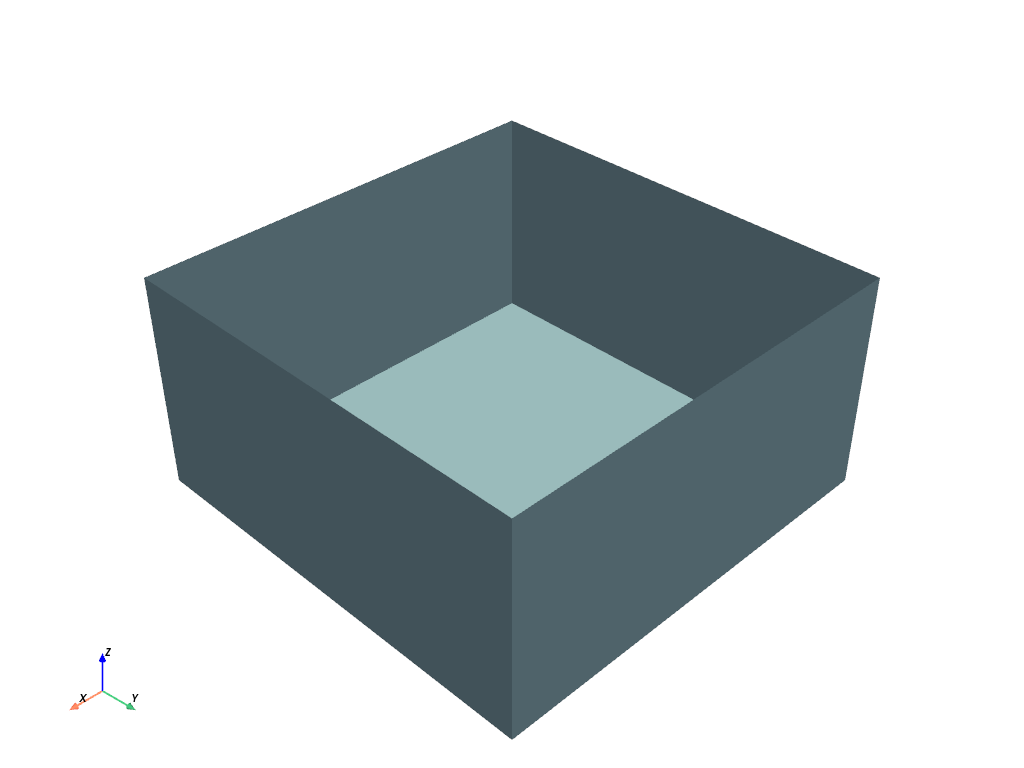
Clip a cube in the +Z direction. This leaves half a cube below the XY plane.
>>> import pyvista as pv
>>> cube = pv.Cube().triangulate().subdivide(3)
>>> clipped_cube = cube.clip('z')
>>> clipped_cube.plot()
See Clipping with a Surface for more examples using this filter.